What is Accessibility Desk?
Accessibility Desk is a collection of AI accessibility tools for creating and reviewing digital content. Accessibility Desk serves content creators, website owners and developers through functions that address alternative text, readable writing, accessibility statements and website code. The toolkit also includes self-assessments for examining a website’s accessibility.
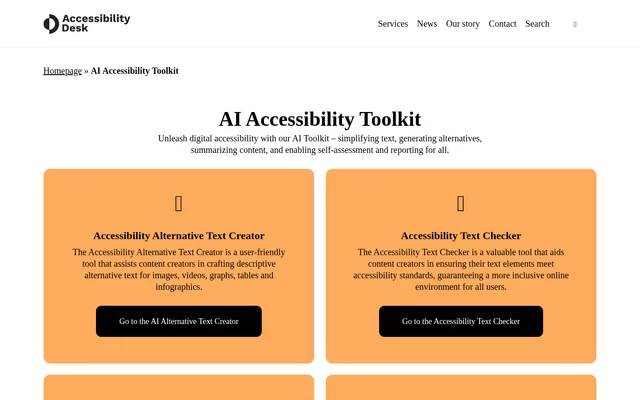
Accessibility Desk brings content-focused tools together with technical checks and guidance on WCAG 2.1 AA. The page describes tools for simplifying text, generating alternatives, summarizing content, and supporting assessment and reporting. Separate links lead to the individual tools rather than presenting a single assessment workflow for every task.
What Accessibility Desk can do
Accessibility Desk supports several distinct accessibility tasks, from writing descriptions for visual material to checking website code. The toolkit includes generators, checkers, assessments and explanatory guidance. Readability support extends beyond the toolkit page through a Chrome plugin and add-ins for Microsoft Word and Outlook.
- Accessibility Desk helps create alternative text for images, videos, graphs, tables and infographics.
- Accessibility Desk checks text elements against accessibility standards.
- Accessibility Desk helps website owners generate detailed accessibility statements.
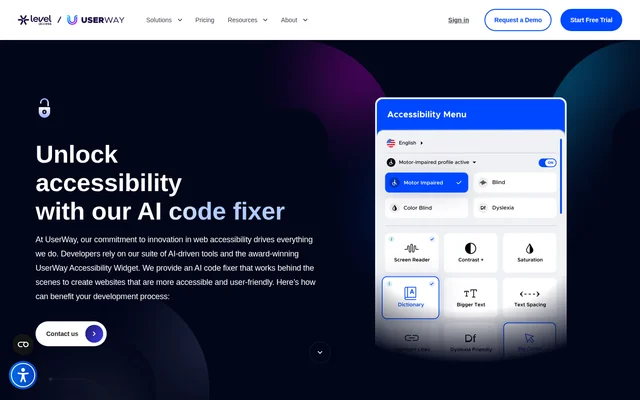
- Accessibility Desk automates website code checks against WCAG 2.1 AA.
- Accessibility Desk offers an extended self-assessment with reporting.
- Accessibility Desk provides a QuickScan based on 10 accessibility questions.
- Accessibility Desk links to tools that simplify website text and improve writing readability.
- Accessibility Desk explains selected WCAG criteria and supplies testing instructions.
How Accessibility Desk works
Accessibility Desk organizes access around links to named tools. A user can choose alternative text creation, text checking, statement generation or code validation according to the task. For assessment, the page offers a QuickScan and an extended self-assessment. The extended option states that successful completion leads to certification.
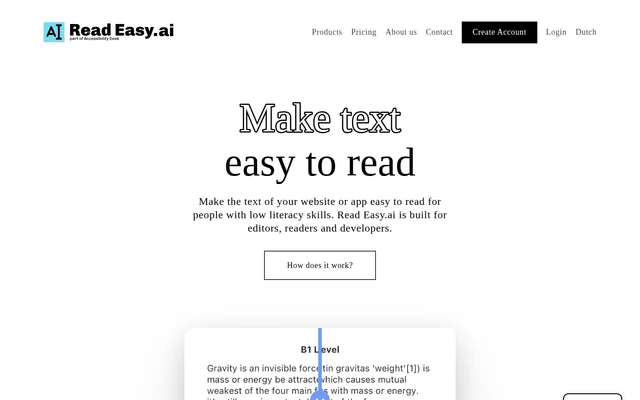
Accessibility Desk also describes workflows within reading and editing environments. Read Easy for Chrome simplifies website text with a click. Read Easy for Editors integrates with Microsoft Word and Outlook to provide real-time feedback and suggestions. The WCAG explainer lets users select specific criteria and receive explanations and testing instructions.
Who Accessibility Desk is for
Accessibility Desk addresses content creators who need accessible text and descriptions, website owners preparing accessibility statements, and developers checking website code. The readability tools also support communication with diverse audiences. The Chrome plugin specifically targets easier comprehension of online content for people with low literacy skills.
- Content creators can prepare descriptive alternatives for visual content.
- Website owners can generate statements and assess website accessibility.
- Developers can check code against WCAG 2.1 AA.
- Editors can receive readability and inclusivity feedback in Microsoft Word and Outlook.
Accessibility Desk strengths and scope
Accessibility Desk combines content assistance, technical checking and self-assessment in the same toolkit directory. A useful distinction is the availability of both a short questionnaire and an extended assessment with reporting. The page also names concrete working environments for readability support: Chrome for website text, and Microsoft Word and Outlook for editing and communication.
Getting started with Accessibility Desk
Accessibility Desk provides a direct link beside each listed tool or assessment. The starting point depends on the task: choose the alternative text creator for visual descriptions, the code validator for website code, or the QuickScan for a questionnaire-based evaluation. For guidance on a particular accessibility requirement, the WCAG explainer supports selecting specific criteria.
Accessibility Desk FAQ
What is Accessibility Desk?
Accessibility Desk is an AI accessibility toolkit for content creators, website owners and developers. Accessibility Desk includes tools for alternative text creation, text checking, accessibility statements, WCAG code validation, readability improvements and website accessibility self-assessment.
Can Accessibility Desk generate alternative text?
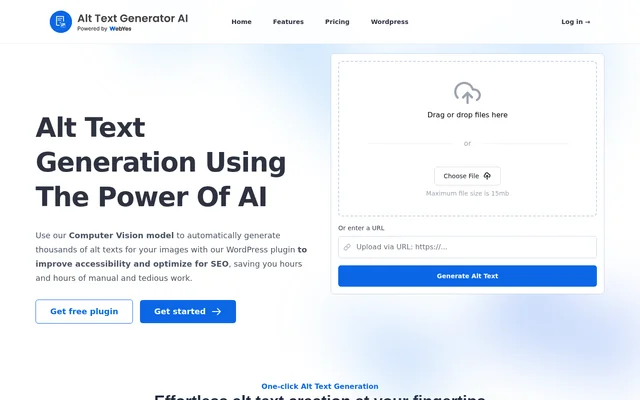
Accessibility Desk includes an alternative text creator that helps content creators write descriptive alternatives for images, videos, graphs, tables and infographics. The toolkit page provides a link to the dedicated alternative text tool.
Does Accessibility Desk check WCAG accessibility?
Accessibility Desk includes a WCAG 2.1 AA code validator that automates checks of website code against accessibility standards. Accessibility Desk also provides a WCAG explainer with testing instructions and explanations for selected criteria.
How does the Accessibility Desk QuickScan work?
Accessibility Desk offers a QuickScan self-assessment that asks 10 questions to help users gauge a website’s accessibility level. Accessibility Desk also lists an extended self-assessment with reporting and certification upon successful completion.
Does Accessibility Desk work with Chrome, Word and Outlook?
Accessibility Desk links to Read Easy for Chrome, which simplifies website text, and Read Easy for Editors, which provides Microsoft Word and Outlook add-ins. The editor add-ins offer real-time feedback and suggestions for readability and inclusive communication.
From the community
No reviews yet
Be the first to review this tool. What you write helps the next person choose.