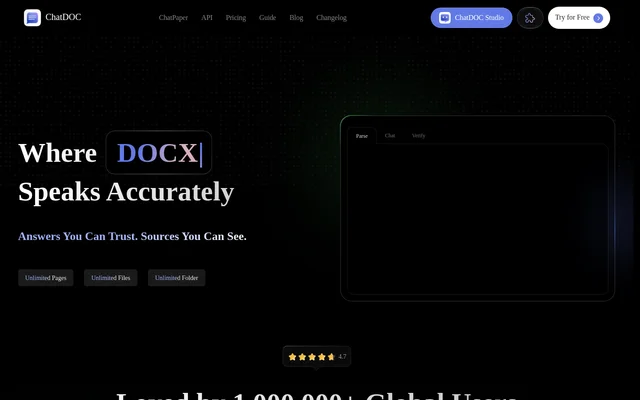
What is ChatDOC?
ChatDOC is a document question-and-answer tool for readers who want to ask about file contents and examine the evidence behind answers. ChatDOC presents reading as a workflow of asking, answering, and sharing rather than searching through documents manually. The website emphasizes visible sources, with footnotes and quotations that connect an answer to the underlying document context.
ChatDOC combines document chat with translation and support for content such as formulas, images, and tables spanning pages. ChatDOC offers Free and Pro access, with supported formats and usage allowances depending on the plan. The website provides an upload interface and a free signup option rather than describing a separate installation process.
What ChatDOC can do
ChatDOC supports questions across files and provides ways to inspect where answers come from. ChatDOC also lists translation, formula recognition, prompt-library functionality, multilingual support, and conversion of words into infographics. These capabilities cover both extracting information from documents and working with their presentation, although image analysis is explicitly identified as a paid add-on.
- ChatDOC answers questions across files.
- ChatDOC reveals source context through clickable footnotes.
- ChatDOC displays quotes associated with highlighted text.
- ChatDOC supports formulas and cross-page tables.
- ChatDOC translates files while preserving their layout.
- ChatDOC supports a prompt library and words-to-infographics functionality.
How ChatDOC works
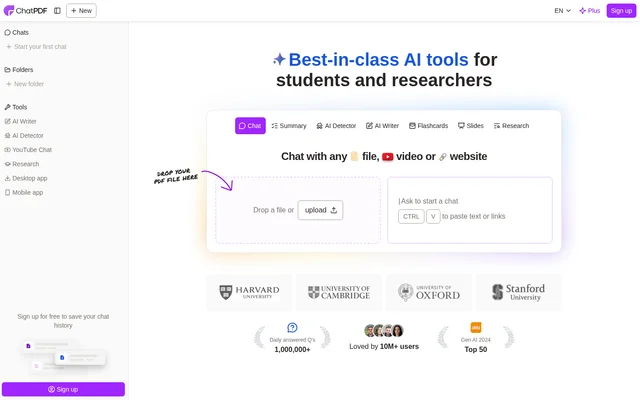
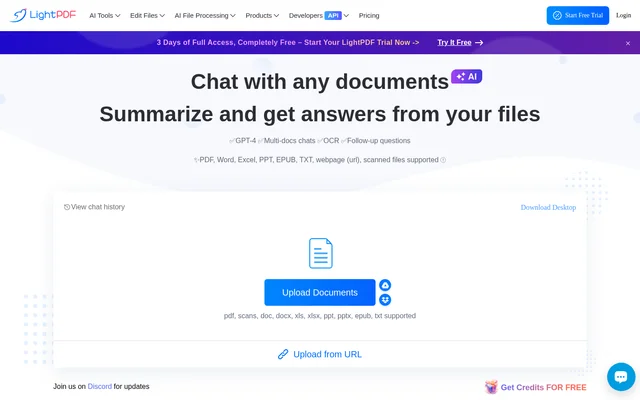
ChatDOC provides a file-upload area where users can drag and drop a file or click to select one. The website lists PDF, DOC, DOCX, SCAN, WEBSITE, EPUB, MD, and TXT among the supported inputs, while the pricing table distinguishes format access by plan. After adding material, users can ask questions across files and examine the sources associated with answers.
ChatDOC calls its source-checking feature TapSource. The website describes clicking footnotes to reveal context, tapping data, and highlighting text to view quotes. ChatDOC therefore pairs document questions with a verification workflow: users can review the answer and then inspect the relevant source material instead of relying only on the generated response.
Who ChatDOC is for
ChatDOC is suited to people whose work involves reading files, asking questions about their contents, and checking supporting passages. The website does not identify specific professions, but the stated capabilities support document comparison, source inspection, and multilingual reading. ChatDOC also presents sharing as part of the workflow and offers a prompt library for organizing prompts.
- ChatDOC helps readers ask questions across multiple documents.
- ChatDOC helps users inspect quotations and source context.
- ChatDOC supports file translation with layout preservation.
- ChatDOC supports reading material containing formulas and cross-page tables.
ChatDOC pricing and plans
ChatDOC offers Free and Pro plans, with a signup offer of 100 questions free and no payment card required. The pricing table lists PDF for Free and a broader set of document formats for Pro. ChatDOC identifies image analysis as a paid add-on. The supplied page text does not display readable subscription amounts, so an exact Pro price cannot be established from this source.
ChatDOC strengths and limitations
ChatDOC combines cross-file questions with visible source context, making verification a central part of the document-reading workflow. ChatDOC also brings translation, layout preservation, and support for structured document content into the same product. Access is not uniform across plans: the free allowance is capped, supported formats differ, and image analysis requires an additional payment.
- ChatDOC caps the free question and file-upload allowances.
- ChatDOC lists only PDF under the Free plan's supported file type.
- ChatDOC makes image analysis a paid add-on.
ChatDOC FAQ
What is ChatDOC?
ChatDOC is a document chat tool for asking questions across files and checking answers against source material. ChatDOC includes clickable footnotes, contextual quotes, file translation with layout preservation, and support for content such as formulas and cross-page tables.
Is ChatDOC free?
ChatDOC offers a Free plan and advertises 100 questions free without a payment card. ChatDOC also offers a Pro plan with broader format support, while image analysis is listed separately as a paid add-on.
What file types does ChatDOC support?
ChatDOC lists PDF, DOC, DOCX, SCAN, WEBSITE, EPUB, MD, and TXT as supported inputs. ChatDOC's pricing table lists PDF for the Free plan and the broader format list for Pro, so format availability depends on the plan.
How does ChatDOC show sources for answers?
ChatDOC uses TapSource to connect answers with source context. ChatDOC lets users click footnotes to reveal context and highlight text to view quotes, providing ways to inspect the document material associated with an answer.
Can ChatDOC translate documents?
ChatDOC offers file translation with layout preservation and advertises support for 25+ languages. ChatDOC presents translation alongside document questions and source checking, allowing users to work with multilingual material while retaining the document's layout.
From the community
No reviews yet
Be the first to review this tool. What you write helps the next person choose.