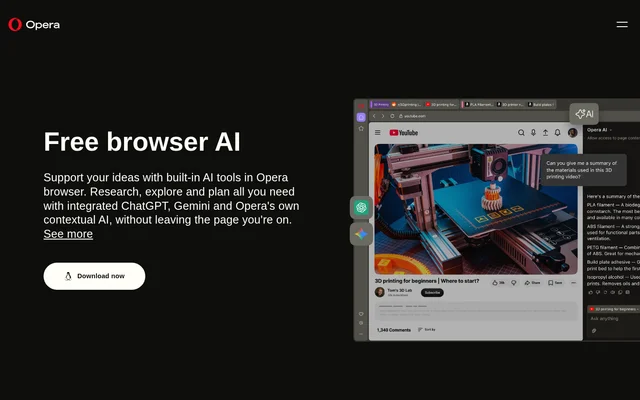
What is Opera Browser?
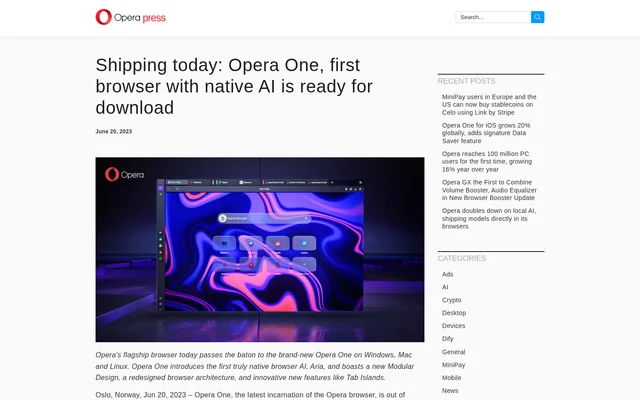
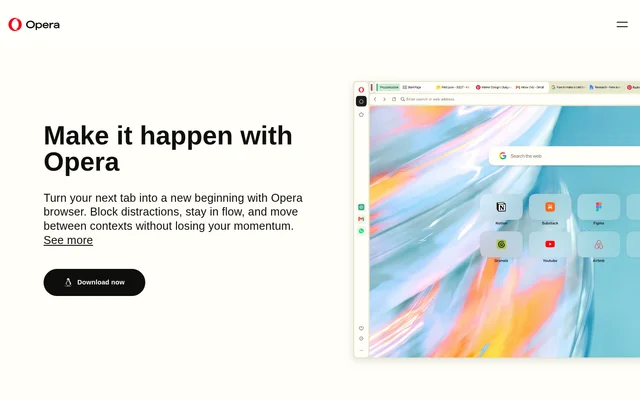
Opera Browser is a web browser from Opera Norway AS with built-in AI tools for people who want to research, plan, or create while browsing. Opera AI is the browser’s own assistant and can answer questions using an open page or a group of tabs as context. ChatGPT and Google Gemini are available separately in the sidebar, so users can access familiar assistants without opening another tab.
What Opera Browser can do
Opera Browser lets users move from reading a page to asking a question about it. Opera AI can use open tabs for context, while the built-in tools also support tasks that start with a document, a text prompt, or an uploaded image.
- Opera AI answers questions about an open page or a group of tabs.
- Opera AI summarizes webpages and documents.
- Opera AI generates and rewrites text.
- Opera AI creates images from text prompts.
- Opera AI offers suggestions on uploaded photos and sketches.
- Opera AI solves math problems and turns plain text into formatted equations.
How Opera Browser works with open tabs
Opera Browser opens Opera AI through the Ask AI button in the top-right corner. The assistant can stay visible beside the current page as the user browses. Opera AI can use the active tab or a group of tabs to understand a question, which reduces the need to explain what the pages contain. Opera AI combines models from OpenAI and Google and is distinct from the ChatGPT and Gemini sidebar options.
Who Opera Browser is for
Opera Browser is for people who want AI assistance in the same window where they read, research, or develop ideas. The AI tools can help readers break down complex material, writers revise text, and people working on creative projects explore visual directions. The page also points to math and equation formatting for academic and scientific work.
- Summarize a long document before reading it in detail.
- Compare information from a group of related tabs.
- Rewrite text for a post, story, or presentation.
- Generate images for a moodboard or get suggestions on a sketch.
Opera Browser pricing and access
Opera Browser is free to download, and Opera AI is included in the desktop browser at no charge. Opera AI does not require an account, login, or signup for the answers, comparisons, and content generation described on the page. The page also identifies Opera AI image generation as free.
Opera Browser strengths and limitations
Opera Browser keeps AI assistance alongside the page a user is working on. Opera AI can draw on page or tab-group context, so users do not have to type out those details again. The AI panel can also be resized to give more space to the conversation or to the page.
- ChatGPT must be enabled from the sidebar menu.
- Gemini must be enabled from the sidebar menu.
- The setup instructions on the page cover Opera Browser for desktop.
Getting started with Opera Browser AI
Opera Browser includes Opera AI after desktop installation, with no separate account setup. The Ask AI button opens the assistant alongside the current tab. ChatGPT and Gemini can be added through the menu at the bottom of the sidebar. To change the width of an AI panel, users can hover over its edge and drag it when the resize icon appears.
Opera Browser FAQ
What is Opera Browser?
Opera Browser is a web browser with a built-in AI assistant called Opera AI and sidebar access to ChatGPT and Google Gemini. Opera AI can answer questions using the current page or a group of tabs as context.
Is Opera Browser AI free?
Opera Browser includes Opera AI for free on desktop, with no login or signup required. Opera AI is available after the browser is installed and can provide answers, comparisons, content generation, and image generation.
How do I open Opera AI in Opera Browser?
Opera Browser opens Opera AI through the Ask AI button in the top-right corner. The assistant can use the current page as context and stay visible alongside it while the user continues browsing.
Can Opera Browser summarize webpages and documents?
Opera Browser can summarize webpages and documents through its built-in Opera AI assistant. Opera AI can use the current page as context, allowing users to ask for a summary or an explanation without leaving the page.
How do I add ChatGPT and Gemini to Opera Browser?
Opera Browser lets users add ChatGPT and Gemini from the menu at the bottom of the sidebar. Users open the menu and enable the assistant they want, then access it from the sidebar without opening a new tab.
From the community
No reviews yet
Be the first to review this tool. What you write helps the next person choose.