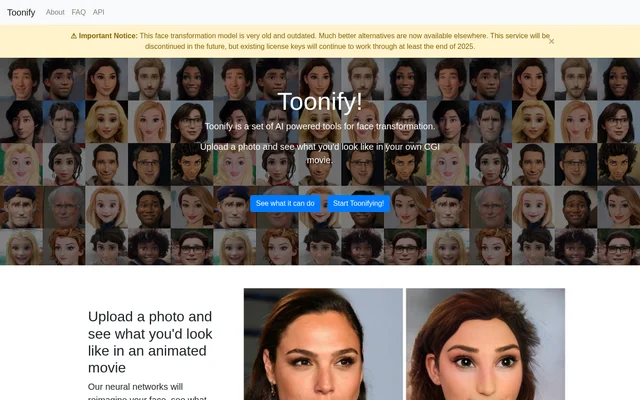
What is Toonify?
Toonify is a set of AI-powered tools that transforms faces in uploaded photos into animated and stylised portraits. Toonify serves people who want to see how their own face might look in a CGI movie or as a different character. The website describes neural networks that reimagine a face, with several transformation models available to try.
What Toonify can do
Toonify offers different models for different visual treatments rather than a single cartoon effect. The selection includes standard-definition and high-definition transformations, with facial editing controls available only for HD models. Toonify recommends trying different models because each model performs differently on an uploaded face.
- Toonify transforms uploaded faces into animated-movie-style portraits.
- Toonify offers caricature portraits in SD and HD.
- Toonify creates emoji-style faces, including a high-resolution option.
- Toonify offers SD and HD comic book character transformations.
- Toonify includes a Halloween-style horror transformation.
- Toonify HD controls adjust age, smile, anger, masculine appearance, glasses and big eyes.
How Toonify works
Toonify uses a photo upload workflow: users select a transformation and upload an image for the neural network to process. The interface also includes a license-key field for transformations that require access beyond the free Classic model. HD models provide sliders for editing facial features, while HD image usage depends on the license allowance.
Toonify recommends a clear, sharp image with the face as the main subject and facing toward the camera. Faces should not be obscured. Toonify processes only the first face detected, so the site advises avoiding photos with multiple faces. Trying different models is another recommendation for finding a suitable result.
Who Toonify is for
Toonify is for people exploring stylised versions of their own faces through photo transformations. The website presents personal portrait experiments, such as seeing oneself in an animated movie, rather than describing a professional production workflow. The model selection supports several concrete ways to reinterpret a face.
- Toonify can create an animated character version of a face.
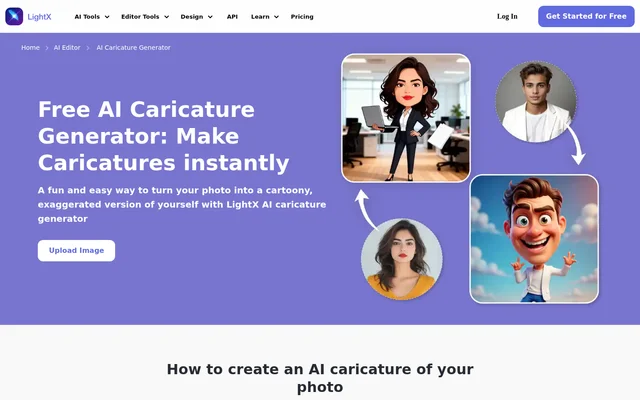
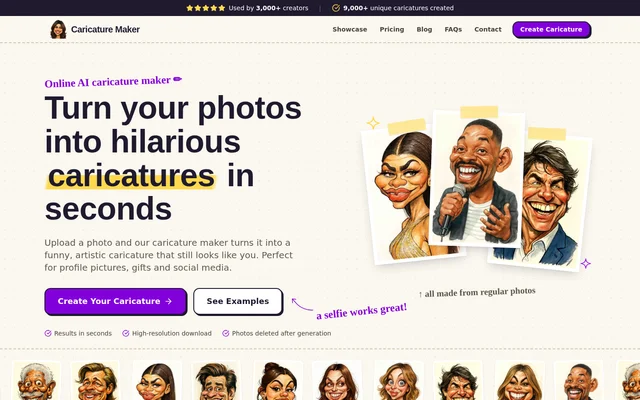
- Toonify can turn a portrait into a caricature.
- Toonify can produce an emoji-style face.
- Toonify can reinterpret a face as a comic book or horror character.
Toonify pricing and license availability
Toonify Classic is free to use without a usage limit. All other face transformations require a license key, but new license purchases are no longer available. Existing licenses permit unlimited use of SD models, while HD models have image allowances tied to the purchased license. The website's notice states that valid existing keys will continue working through at least the end of 2025; this is the stated support window, not a guarantee of availability beyond that date.
Toonify strengths and limitations
Toonify combines several face transformation styles with an unlimited free Classic model and facial-feature controls for HD output. Those capabilities come with significant access and longevity constraints. Toonify explicitly describes its model as very old and outdated and says the service will be discontinued in the future. The page does not provide a specific discontinuation date.
- Toonify no longer sells licenses for access to other transformations.
- Toonify restricts editing sliders to HD models.
- Toonify limits HD transformations according to the existing license allowance.
- Toonify processes only the first detected face in each image.
Toonify FAQ
What is Toonify?
Toonify is a set of AI-powered face transformation tools that reimagines faces in uploaded photos. Toonify offers animated-movie-style portraits, caricatures, emoji faces, comic book characters and a horror-style transformation, with SD and HD model options.
Is Toonify free?
Toonify Classic is free to use as much as users like. Toonify requires a license key for all other transformations, but new license purchases are no longer available. Existing licenses allow unlimited SD use and a limited number of HD images.
Can you still buy a Toonify license?
Toonify no longer offers new license purchases. Toonify states that existing valid keys will work through at least the end of 2025, while also warning that the service will be discontinued in the future.
Can you edit facial features with Toonify?
Toonify provides facial-feature editing sliders only for HD models. Toonify includes controls for age, smile, anger, masculine appearance, glasses and big eyes, allowing users to adjust the transformed face.
What kind of photo works best with Toonify?
Toonify recommends a clear, sharp photo with the face as the main subject, facing toward the camera and without obstructions. Toonify processes only the first detected face, so photos with multiple faces should be avoided.
From the community
No reviews yet
Be the first to review this tool. What you write helps the next person choose.