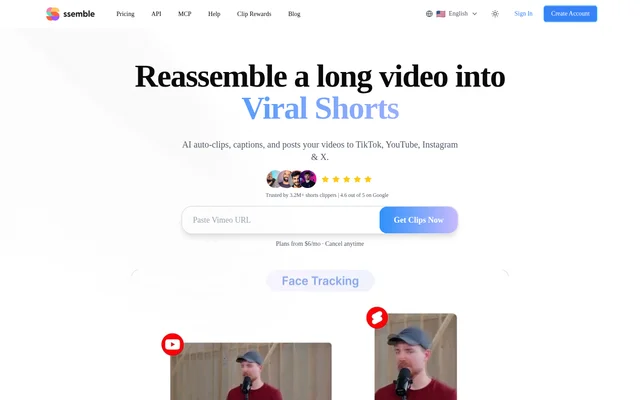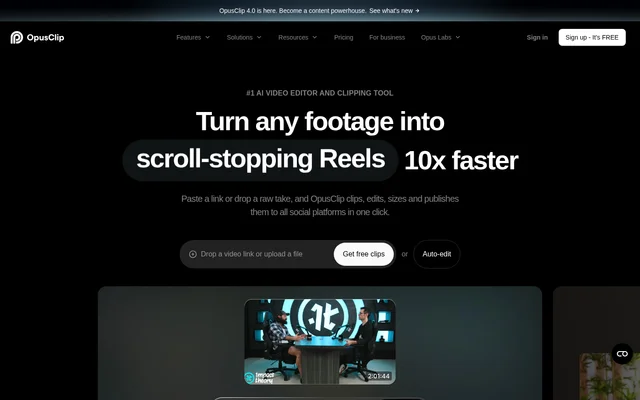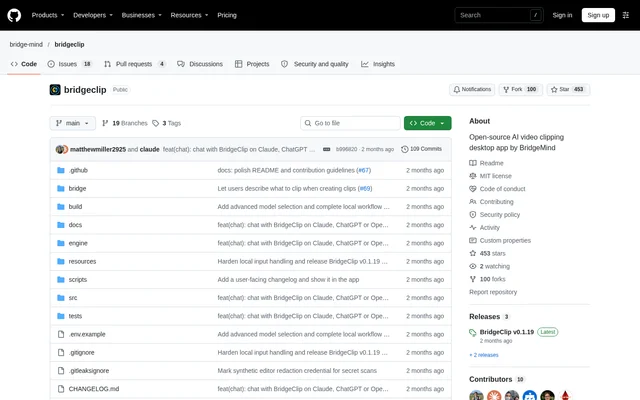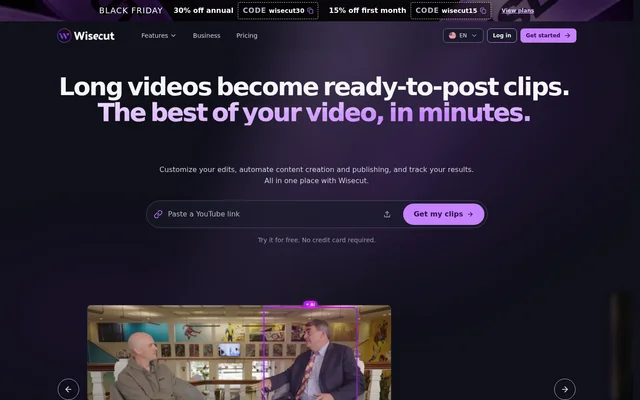
What is Wisecut?
Wisecut is a web-based AI video editor that converts long videos into short clips and supports automated content publishing. Wisecut serves creators and businesses that want to repurpose recorded videos or live streams for social channels. The editing workflow combines automatic highlight selection with user review, natural-language instructions through Wish, and direct transcript editing.
Wisecut brings clip creation, audio cleanup, captions, thumbnails, and publishing into a connected workflow. Creators can choose the clips they want, adjust the edits, and export finished videos. Wisecut also offers channel-based automation for users who want new uploads processed and published with less manual intervention.
What Wisecut can do
Wisecut provides tools for selecting video highlights, editing spoken content, and preparing clips for distribution. Wisecut combines automatic processing with controls for captions, framing, sound, and thumbnails. The available workflow extends beyond downloadable files to scheduled social posts, automatic publishing from connected channels, and clips created during live streams.
- Wisecut finds highlights in long videos and turns them into short clips.
- Wisecut accepts natural-language editing requests through Wish.
- Wisecut removes false starts, repeated takes, and long pauses.
- Wisecut generates captions and reframes videos into vertical, square, or horizontal formats.
- Wisecut reduces background noise and lowers music when someone speaks.
- Wisecut creates thumbnails and applies automatic punch-in and punch-out zooms.
- Wisecut schedules and publishes clips through Social Hub.
- Wisecut creates clips while a live stream is still running.
How Wisecut works
Wisecut starts with a pasted video link or an uploaded file. Wisecut identifies moments and prepares clips for the user to watch and select. Editing can then happen through requests to Wish or changes in the video transcript. Finishing steps include customizing captions, creating a thumbnail, selecting export settings, and downloading the video.
Wisecut Social Hub connects social channels so users can publish clips, schedule posts in a calendar, and change publication dates. Wisecut Autopilot watches a connected channel and follows the user's instructions for new videos, selecting highlights, editing, adding captions, and publishing to chosen channels. The supplied product data names Reels, Shorts, and TikTok as publishing destinations.
Who Wisecut is for
Wisecut is aimed at creators and businesses producing video content, with plans described for consistent publishing and professional, high-volume workflows. Customer examples on the page include marketing agencies, content producers, consultants, and businesses making testimonial videos. Wisecut supports both individual clip selection and recurring production from connected channels.
- Wisecut helps creators repurpose interviews and long videos into social-media clips.
- Wisecut helps businesses remove pauses and add captions to testimonial videos.
- Wisecut helps channel owners automate editing and publication after new uploads.
- Wisecut helps streamers publish highlights during a live broadcast.
Wisecut pricing and plans
Wisecut offers an always-free plan with limited Editor and Wish usage, no watermark, and no credit card required. The free allowance includes 30 min/month of processing, 480p resolution, and exports up to 3 min. Wisecut lists Starter+ at US$ 29/mo and Professional+ at US$ 119/mo when billed monthly.
Wisecut Plus plans add Autopilot and Social Hub. Starter+ includes 300 credits/month, 1080p exports, and exports up to 60 min. Professional+ includes 1,200 credits/month, 4K exports, and exports up to 90 min. Wisecut advertises savings of up to 30% with annual billing and also mentions editing-only plans and custom enterprise volume.
Wisecut strengths and limitations
Wisecut combines content repurposing with editing and distribution rather than stopping at clip generation. Wisecut gives users a choice between instructions to Wish and direct transcript edits, while automation can handle recurring channel uploads. The free plan provides access without a watermark, but processing allowances, export quality, and access to publishing automation depend on the selected plan.
- Wisecut limits free-plan processing to 30 min/month.
- Wisecut limits free-plan exports to 480p and up to 3 min.
- Wisecut reserves Autopilot and Social Hub for Plus plans.
Wisecut FAQ
What is Wisecut?
Wisecut is a web-based AI video editor that turns long videos into short clips. Wisecut identifies highlights, supports natural-language and transcript editing, adds captions, and offers tools for audio cleanup, thumbnails, social scheduling, and automated publishing.
Is Wisecut free?
Wisecut offers an always-free plan with limited Editor and Wish usage and no credit card required. Wisecut includes 30 min/month of processing, 480p exports up to 3 min, and no watermark on the free plan. Paid Plus plans add Autopilot and Social Hub.
How much does Wisecut cost?
Wisecut lists Starter+ at US$ 29/mo and Professional+ at US$ 119/mo when billed monthly, alongside an always-free plan. Wisecut offers savings of up to 30% with annual billing and mentions editing-only plans and custom enterprise volume.
Can Wisecut automatically publish clips from new videos?
Wisecut can automatically process new videos from a connected channel through Autopilot. Wisecut follows the user's instructions to select highlights, edit clips, add captions, and publish to chosen channels. Autopilot and Social Hub are included in Plus plans.
How do you edit videos with Wisecut?
Wisecut accepts a pasted video link or uploaded file and prepares suggested clips for review. Wisecut lets users ask Wish for changes or edit the transcript directly, then customize captions, create a thumbnail, and export with selected settings.
Can Wisecut create clips from live streams?
Wisecut offers Live Clipping to turn a stream into clips while the broadcast is still happening. Wisecut supports publishing selected moments on the spot and retaining clips as content that can be used after the live stream ends.
From the community
No reviews yet
Be the first to review this tool. What you write helps the next person choose.