What is Write! App?
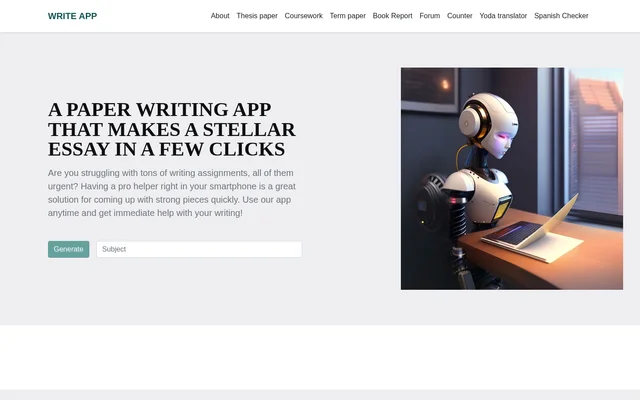
Write! App is an academic writing app and web service for students who need assistance with papers, from essays to theses. Write! App combines prompt-based drafting and editing tools with access to professional writers. The website describes assistance across 75+ subjects and positions the service around managing academic workloads, following assignment instructions, and helping learners develop their writing.
What Write! App can do
Write! App brings drafting, revision, and document organization into the same service. Students can turn ideas into structured text, refine language, and keep work accessible across devices. Write! App also includes collaboration tools for requesting personalized assistance from a writer, rather than offering only standalone text editing.
- Write! App generates relevant drafts from prompts and instructions.
- Write! App detects grammar issues, awkward phrasing, and tonal inconsistencies.
- Write! App adjusts text to academic, formal, or casual styles.
- Write! App stores drafts and supports revisiting previous versions.
- Write! App enables communication and file sharing with writers.
- Write! App sends notifications about updates, deadlines, and projects.
How Write! App works
Write! App users can download the application from the App Store or access the service through its website. The described workflow starts with logging in and writing a request or providing instructions. Drafting tools respond to prompts, while built-in communication and file sharing support cooperation with a professional writer. Write! App also allows users to start writing on one device and continue on another without losing progress.
Who Write! App is for
Write! App serves students managing college assignments, academic deadlines, and writing projects in different subjects. The website mentions assistance with essays, research papers, and full theses. Write! App can also support learners who need feedback from a professional writer or want to organize ongoing drafts. The source describes the writer's role as helping the learner rather than completing an entire academic task on the learner's behalf.
- Write! App helps students turn assignment ideas into structured drafts.
- Write! App helps learners revise grammar, phrasing, and tone.
- Write! App supports students seeking writer feedback and file-based collaboration.
Write! App pricing and access
Write! App is described as a free paper writing app, with all built-in app features available at no cost. The page does not list paid plans or prices for professional writer assistance, so the free-feature statement does not establish pricing for every service mentioned. Write! App is obtained through the App Store, while the website provides an alternative for Android users and anyone without an iOS device.
Write! App strengths and limitations
Write! App combines writing tools, document management, and access to human assistance in an app and website. Cross-device continuity and project notifications support ongoing work, and customer support is available 24/7. The main access constraints concern native app availability and connectivity: the page identifies the App Store as the only current app source and describes mobile use as requiring an Internet connection.
- Write! App does not list a native Android app; Android access is through the website.
- Write! App requires an Internet connection for the mobile access described.
- Write! App describes professional writers as helpers, not replacements for the student's entire academic task.
Write! App FAQ
What is Write! App?
Write! App is an academic writing app and website for students seeking help with essays, research papers, and theses. Write! App combines prompt-based drafting, grammar and style checks, document management, and access to professional writers.
Is Write! App free?
Write! App is described as free, and the page states that all built-in app features are available at no cost. The page does not provide prices for professional writer assistance or list paid service plans.
Is Write! App available on Android?
Write! App is available as a native app only through the App Store. Write! App offers a device-adaptive website that Android users and other people without an iOS device can access through a phone browser.
What writing tools does Write! App include?
Write! App includes prompt-based draft generation, grammar checks, phrasing improvements, and tone adjustment for academic, formal, or casual writing. Write! App also stores and organizes drafts, supports previous-version access, and provides project and deadline notifications.
Can Write! App connect students with professional writers?
Write! App supports collaboration with professional writers through built-in communication and file-sharing tools. Write! App describes this assistance as personalized academic support and states that writers should help learners rather than complete their entire academic task for them.
From the community
No reviews yet
Be the first to review this tool. What you write helps the next person choose.