What is HermesOffice?
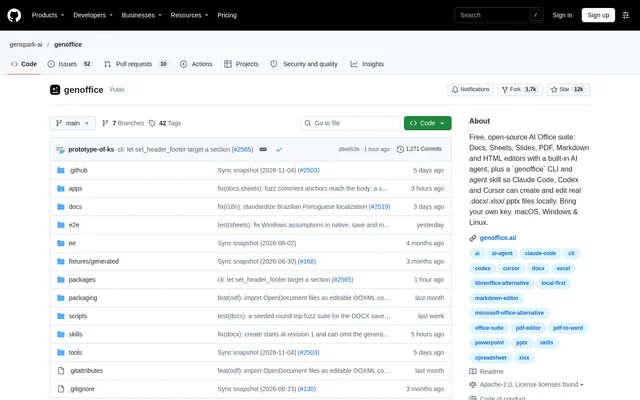
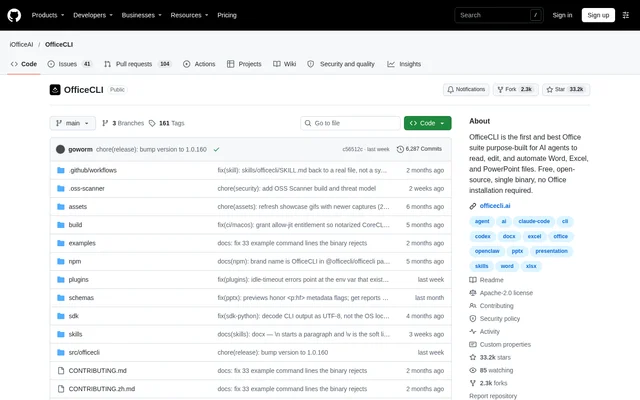
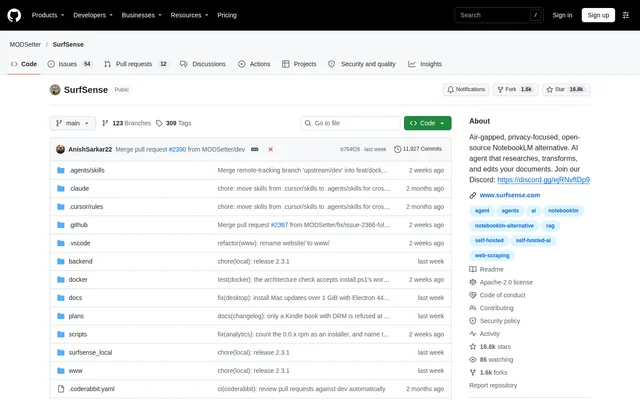
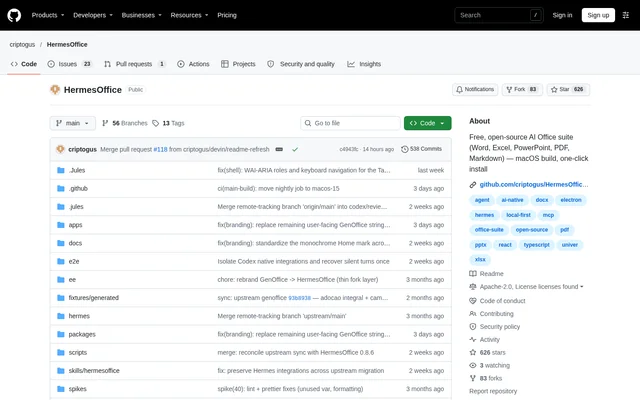
HermesOffice is an open-source desktop office suite that combines word processing, spreadsheets, presentations, PDF editing and Markdown editing with built-in AI assistance. HermesOffice is intended for people working with office files who want native document editing alongside document-aware agents. The repository describes the project as a free alternative to Microsoft Office for macOS, Windows and Linux.
HermesOffice uses the original file as the source of truth and applies narrow patches when saving changes. For Word documents, changed paragraphs are regenerated while untouched content is preserved. The suite also includes a shared shell with tabbed editors, recent-file handling, automatic updates and light, dark or system interface themes.
What HermesOffice can do
HermesOffice combines conventional editing tools with AI actions that operate on document content. The shared AI panel supports block-level edits, snapshots and diffs, while document-aware agents work with workbook, presentation and PDF state. PDF conversion and Markdown-to-Word conversion run locally rather than requiring cloud uploads.
- HermesOffice opens and saves native .docx, .xlsx and .pptx files.
- HermesOffice edits PDF text and images while preserving original fonts.
- HermesOffice converts PDFs into editable Word, PowerPoint and Excel files locally.
- HermesOffice supports spreadsheet charts, pivot tables, slicers and formula tracing.
- HermesOffice edits presentation masters, layouts, charts and image crops.
- HermesOffice saves Markdown content as plain Markdown files.
- HermesOffice provides agent tools for web search, image search and image generation.
How HermesOffice works
HermesOffice hosts its editors in a desktop shell and embeds the same AI panel throughout the suite. The default AI sign-in uses a Genspark device-code flow, with model calls routed through the Genspark proxy. Alternatively, users can configure their own provider API keys in AI settings.
HermesOffice supports providers including Claude, OpenAI, Gemini, DeepSeek, Kimi, GLM, Qwen, Mistral and OpenRouter. A custom provider slot accepts an OpenAI-compatible endpoint through a base URL and key, including local servers. A Genspark account also enables agent tool endpoints for search, image generation and editing, media analysis and audio transcription.
Who HermesOffice is for
HermesOffice serves people whose work involves editing office documents, spreadsheets, slide decks, PDFs or Markdown files. HermesOffice also addresses workflows that require converting existing PDFs into editable office formats without uploading the conversion source. Developers can work with the open-source repository and shared packages for document engines, AI providers and agent tools.
- HermesOffice supports revising Word documents with comments, tracked changes and AI-assisted edits.
- HermesOffice supports analyzing spreadsheets with charts, pivot tables and formula tracing.
- HermesOffice supports converting PDFs and scanned pages into editable office content.
- HermesOffice supports writing Markdown and converting Markdown documents to Word locally.
HermesOffice pricing and plans
HermesOffice is free and open-source under the Apache-2.0 license. The repository explicitly states that the apps have no trial and no paid tier. AI access is configured separately through a Genspark account or a supported provider API key; the supplied page does not state pricing for those external services.
HermesOffice provides stable macOS downloads and a nightly macOS channel through GitHub releases. The stable platform table lists Windows and Linux as build-from-source options. The repository also documents development commands for packaging Windows installers and Linux AppImage, deb and rpm files, plus installation instructions for Linux packages.
HermesOffice strengths and limitations
HermesOffice combines native Office file editing, local document conversion and configurable AI access in an open-source application. Preservation of untouched file content is a central design choice across documents, spreadsheets and presentations. Local conversion is distinct from AI processing: Genspark-backed model calls route through its proxy, while custom provider settings can point to compatible local servers.
- HermesOffice lists Windows and Linux as source-build options in the stable download table.
- HermesOffice macOS builds are ad-hoc signed rather than notarized, requiring confirmation on the first manual launch.
- HermesOffice specifies system OCR for scanned PDFs on macOS and Windows, not Linux.
- HermesOffice spreadsheet builds require a Rust toolchain for the .xlsx sidecar.
HermesOffice FAQ
What is HermesOffice?
HermesOffice is a free, open-source desktop office suite with editors for Word documents, Excel spreadsheets, PowerPoint presentations, PDFs and Markdown files. HermesOffice includes a shared AI panel for document-aware assistance, block-level edits, snapshots and diffs.
Is HermesOffice free?
HermesOffice is free and open-source under the Apache-2.0 license, with no trial or paid tier for the apps themselves. HermesOffice accesses AI through Genspark sign-in or provider API keys; the source does not state pricing for those external services.
Can HermesOffice open Microsoft Office files?
HermesOffice opens and saves native .docx, .xlsx and .pptx files. HermesOffice applies narrow changes intended to preserve untouched file content, and includes Word-style pagination, spreadsheet charts and pivot tables, and presentation masters and layouts.
Can HermesOffice convert PDFs without uploading them?
HermesOffice converts PDFs into editable Word, PowerPoint and Excel files entirely on the user's machine, without cloud uploads for conversion. HermesOffice also supports scanned PDF conversion through system OCR on macOS and Windows.
Which AI providers does HermesOffice support?
HermesOffice supports Genspark sign-in or API keys for providers including Claude, OpenAI, Gemini, DeepSeek, Kimi, GLM, Qwen, Mistral and OpenRouter. HermesOffice also accepts custom OpenAI-compatible endpoints using a base URL and key, including local servers.
Does HermesOffice work on Windows and Linux?
HermesOffice supports macOS, Windows and Linux, but the stable download table lists Windows and Linux as build-from-source options. HermesOffice documents packaging commands for Windows installers and Linux packages, while macOS has downloadable builds that require an initial security confirmation when installed manually.
From the community
No reviews yet
Be the first to review this tool. What you write helps the next person choose.