What is Quicktools by Picsart?
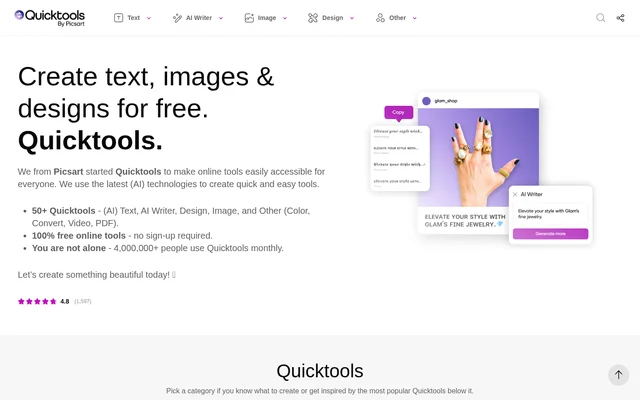
Quicktools by Picsart is a collection of more than 50 online tools for people creating text, images, and designs. Picsart started the collection to make creative tools accessible online. The suite includes task-specific utilities, such as a font generator for styling text, alongside AI writing tools that generate content or help users come up with ideas.
What Quicktools by Picsart can do
Quicktools by Picsart groups its tools into areas such as text, AI writing, images, and design. The page also lists tools for video, color, file conversion, and PDFs. The featured utilities cover different parts of creating a social post or profile, from writing the copy to styling a bio or preparing a profile photo.
- The AI Writer generates written content.
- The Story Generator helps turn an idea into a story.
- The Image Caption Generator writes captions for Instagram posts.
- The Font Generator applies decorative styles to text.
- The emoji tool previews how emojis appear on different devices.
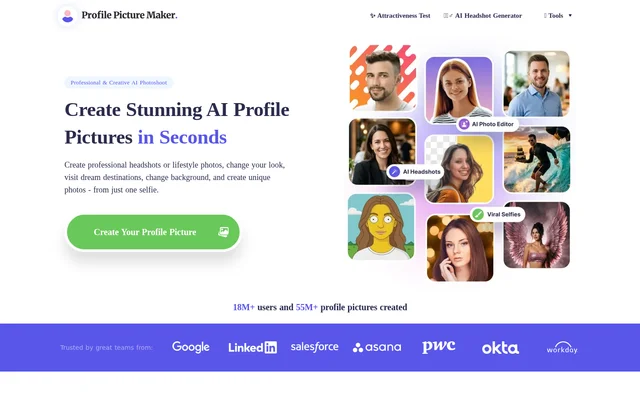
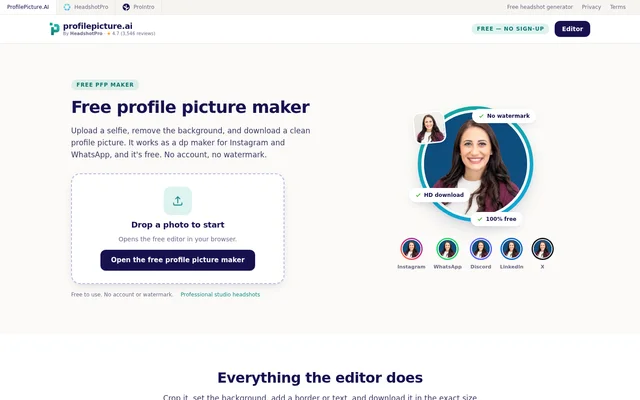
- The Profile Picture Maker turns a selfie into a downloadable profile image.
How Quicktools by Picsart works
Quicktools by Picsart runs in a web browser. The home page offers two ways to find a tool: browse a category when the type of task is already clear, or look through the popular tools for ideas. The page places Text Tools, AI Writer, Image Tools, and Design Tools above a list that includes the Font Generator and Profile Picture Maker.
Who Quicktools by Picsart is for
Quicktools by Picsart is intended for anyone who wants to create or style content online. The page highlights several uses for people working on social posts and profiles: writing an Instagram caption, personalizing a bio, or preparing a photo for a profile. The writing tools also cover broader tasks, such as developing an idea into a story that explains a concept.
- Draft a caption for an Instagram photo.
- Style a line of text for a social media bio.
- Prepare a selfie at a size suited to a profile.
- Use a story to explain or illustrate a concept.
Quicktools by Picsart pricing and plans
Quicktools by Picsart describes its online tools as 100% free and does not require sign-up. The page presents free access as part of Picsart's aim to make creative tools available to everyone, rather than as a trial or an account benefit. Visitors can choose a tool from the website without creating an account. The page does not list paid plans.
Strengths and limitations of Quicktools by Picsart
Quicktools by Picsart brings writing tools and visual utilities together in one browser-based collection. Some featured tools address a narrowly defined task: the emoji tool lets users compare how a symbol appears on different devices, while the Profile Picture Maker prepares a selfie for download at a size suited to the intended platform. The overview does not specify any usage limits.
Getting started with Quicktools by Picsart
Quicktools by Picsart lets visitors start with the type of content they want to make or go directly to a featured tool. For example, someone updating a profile can choose the Font Generator to style bio text or the Profile Picture Maker to prepare a selfie. Someone working on an Instagram post can open the Image Caption Generator from the popular tools list.
Quicktools by Picsart FAQ
What is Quicktools by Picsart?
Quicktools by Picsart is a browser-based collection of more than 50 tools for creating text, images, and designs. The collection includes an AI Writer, a Font Generator, an emoji preview tool, and a Profile Picture Maker.
Is Quicktools by Picsart free to use without an account?
Quicktools by Picsart is free to use online and does not require sign-up. Visitors can browse by category or select a featured tool, such as the AI Writer or Font Generator, directly from the home page.
What can Quicktools by Picsart generate with AI?
Quicktools by Picsart offers an AI Writer for generating written content. The collection also includes an Image Caption Generator for Instagram posts and a Story Generator for turning an idea or concept into a story.
Can Quicktools by Picsart make a profile picture from a selfie?
Quicktools by Picsart can turn a selfie into a profile picture with its Profile Picture Maker. The tool lets users download the finished picture at a size suited to the platform where they plan to use it.
Can Quicktools by Picsart preview emojis on different devices?
Quicktools by Picsart shows how an emoji will look on different devices. The Emojis tool helps users find a symbol for an occasion and preview its appearance before choosing it.
From the community
No reviews yet
Be the first to review this tool. What you write helps the next person choose.