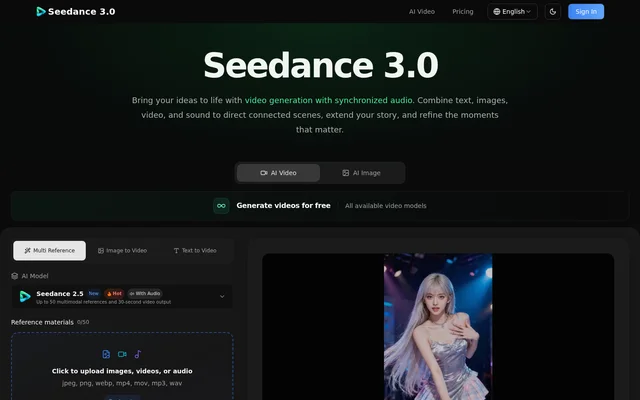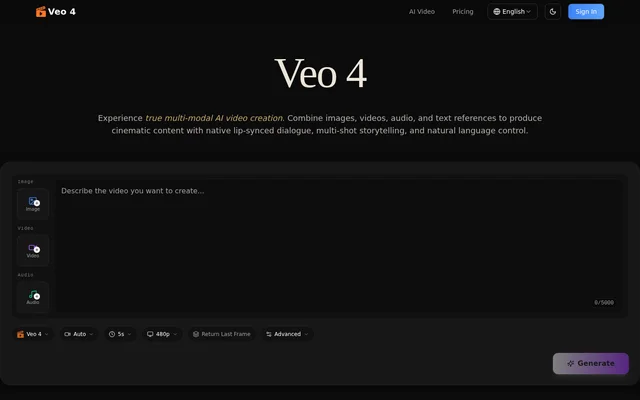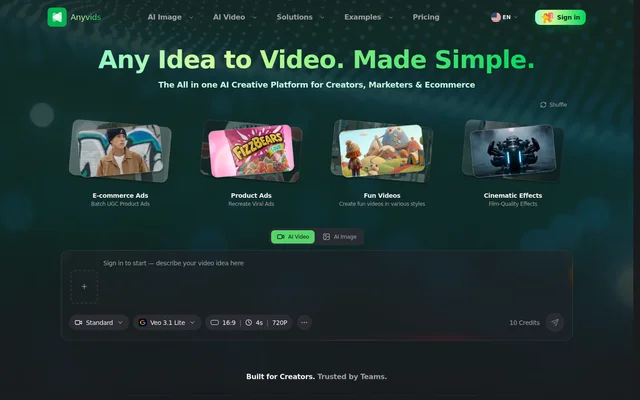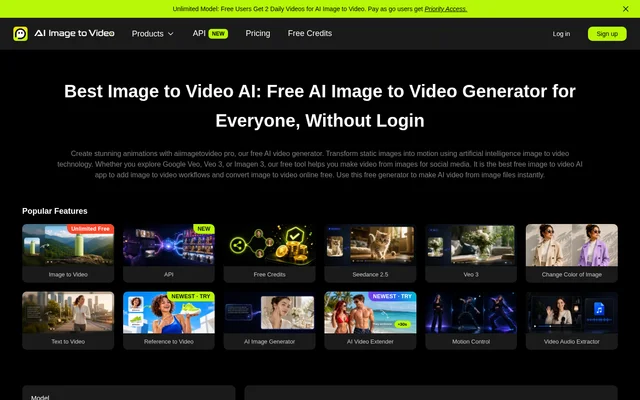
What is Seedance 2.0?
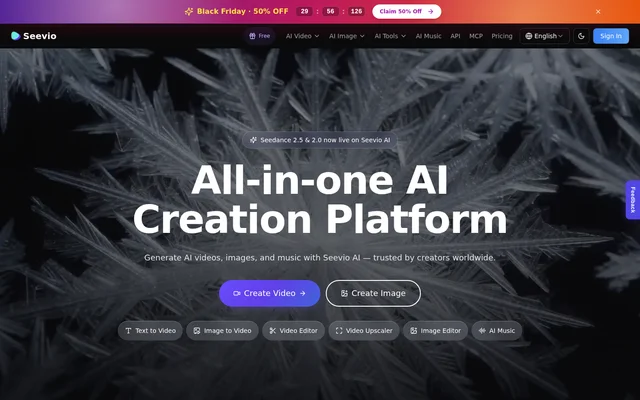
Seedance 2.0 is an AI video generation model available in Seevio AI. The model is one option within a broader workspace that also offers image generation, music creation, and editing tools. Seevio AI presents its video workflow for creators who want to turn prompts or still images into clips, including filmmakers developing scenes and marketing teams preparing promotional content.
What Seedance 2.0 can do
Seedance 2.0 is listed as a video model in the Seevio AI workspace. Seevio AI describes video generation and post-generation tools separately, so capabilities such as clip extension and upscaling are best understood as workspace features. The page also says that reference inputs and built-in audio generation depend on which model supports them.
- Seevio AI generates video from text prompts.
- Seevio AI turns still images into video clips.
- Seevio AI accepts visual and audio references on supported models.
- Seevio AI edits footage from natural-language instructions.
- Seevio AI extends clips and upscales video.
How Seedance 2.0 works
Seedance 2.0 can be selected from the video models listed in Seevio AI. The workflow starts by choosing a tool or model, then writing a prompt or uploading supported references. References can guide choices such as the subject, visual style, or motion. After generation, the user can review the clip, refine it with separate tools if needed, then download it for use outside the workspace.
Who Seedance 2.0 is for
Seedance 2.0 is available in a workspace that Seevio AI presents for creative, commercial, and educational projects. Filmmakers can use generated clips to test scene ideas before production, while educators can illustrate lessons with animated explanations. Marketing teams and social media creators can use the video tools to develop product visuals, promotional clips, or short posts.
- Test camera movement and visual style before filming.
- Make product visuals for advertising campaigns.
- Create animated explanations for lessons or demonstrations.
- Produce short clips for reels and channel updates.
Seedance 2.0 pricing and plans
Seedance 2.0 is available through Seevio AI, whose API uses available credits from a plan or credit pack. Seevio AI also offers plans that include a commercial use license for client and business projects. The page does not state plan prices, credit pack prices, or a free allowance for Seedance 2.0, and it does not give a credit cost per generation.
Seedance 2.0 strengths and limitations
Seedance 2.0 sits alongside other generation models in Seevio AI, where users can choose a model and move from generation to refining a clip without leaving the workspace. The page explains what the workspace offers but does not provide a model-by-model breakdown of reference formats or audio features. The availability of those features should not be assumed from the general platform description.
- Reference formats depend on the selected model.
- Built-in audio generation is available only on supported video models.
- Commercial use licensing depends on the plan.
Getting started with Seedance 2.0
Seedance 2.0 is one of the options to select after opening the video creation tools in Seevio AI. A project can begin with a written scene idea or a still image to animate. When the chosen workflow supports references, users can add material to guide the look or motion, then check the generated clip before deciding whether to edit, extend, upscale, or download it.
Seedance 2.0 FAQ
What is Seedance 2.0?
Seedance 2.0 is an AI video generation model available in Seevio AI. Seevio AI lists Seedance 2.0 alongside other video models and provides workflows for creating clips from text prompts or still images.
Is Seedance 2.0 free on Seevio AI?
Seedance 2.0 is listed on Seevio AI, but the page does not say whether the model has a free allowance. Seevio AI states that API access uses available credits from a plan or credit pack, without listing prices.
Who is Seedance 2.0 for?
Seedance 2.0 is available to creators using Seevio AI for filmmaking, marketing, social media, or education. Seevio AI describes projects such as testing scene ideas before production, creating promotional videos, and illustrating lessons with animated explanations.
Can Seevio AI turn a still image into a video?
Seedance 2.0 is available in Seevio AI, which offers an image-to-video workflow for animating still images. Seevio AI also offers text-to-video generation and lets users upload supported references to guide the subject, style, or motion.
Is there an API for Seedance 2.0 on Seevio AI?
Seedance 2.0 is listed as a Seevio AI model, and Seevio AI offers a generation API that uses plan or credit pack credits. The page does not specify a Seedance 2.0 endpoint or list which models the API exposes.
Can Seedance 2.0 be used for commercial projects?
Seedance 2.0 is offered in Seevio AI, which directs users to choose a plan that includes a commercial use license for client work and business projects. The page does not say which plans include the license.
From the community
No reviews yet
Be the first to review this tool. What you write helps the next person choose.